Pluxel
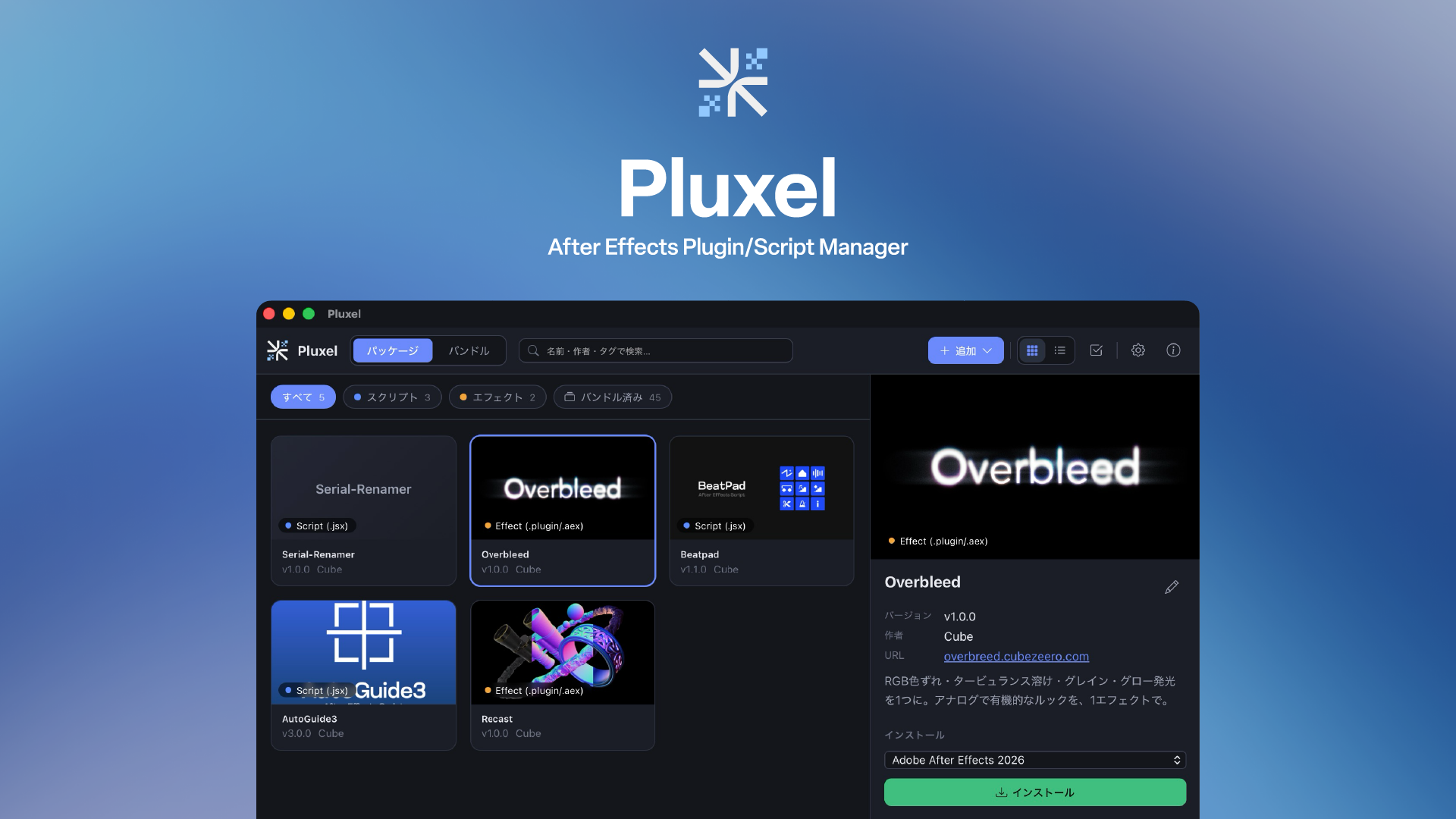
Collect, organize, and install your After Effects scripts and plugins.
A library and installer — a desktop app for macOS and Windows.
What Pluxel does
- Store — Register scripts, plugins, and extensions into your library by drag & drop
- Auto-install — Detects installed After Effects versions and places each item in the correct folder for its type
- Companion files included — Bundle
.ffxpresets and panel image folders that ship alongside a.jsx, and install them together - Update / uninstall — Records where each item was installed, so you can reinstall (update) or remove it later
- Batch install — Install multiple selected items in a single action
- Backup — Export your entire library to a single package file (
.ppf) and restore it anywhere
Supported file types
| Type | Extensions | Install target |
|---|---|---|
| Script | .jsx / .js / .jsxbin |
Scripts |
| ScriptUI panel | .jsx / .jsxbin |
Scripts › ScriptUI Panels |
| Effect plugin | .plugin / .aex |
Plug-ins |
| CEP extension | .zxp |
CEP Extensions |
| Installer | .pkg / .exe / .msi |
Run (individually) |
Next step
- Usage — from installing to updating and creating packages